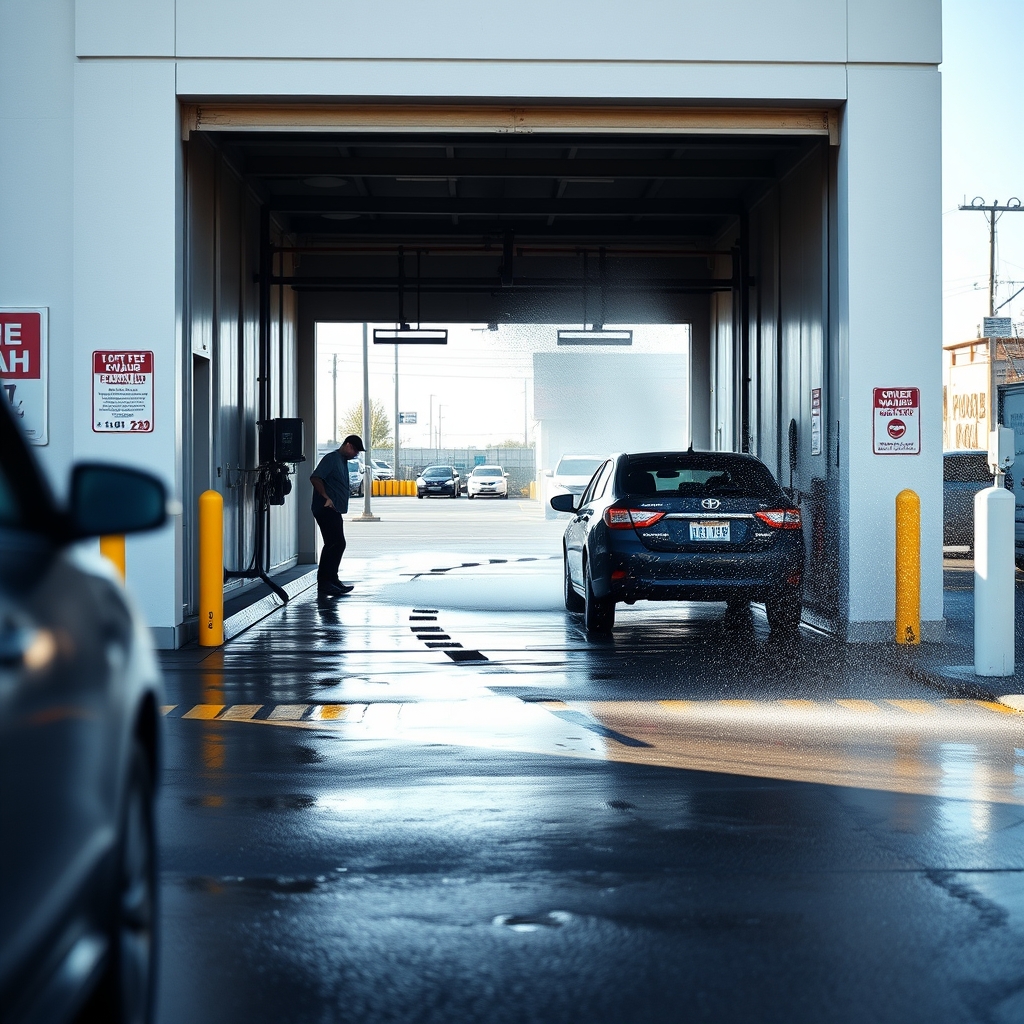
Car wash plan sharing: what to say at the lane
When a driver presents a membership for a car that is not covered, check the typed plate and plan before making the call. If the car is still not covered, explain the vehicle limit without accusing the driver, then offer a retail wash. Give both locations the same sign, script and repeat-case policy so the answer does not depend on who is working the lane.
Set the rule before the car reaches the lane
Put the vehicle rule in the plan description and wherever customers make a buying decision. A driver should be able to tell whether the plan covers one registered car or a set of registered cars before reaching the pay station.
For a two-location exterior express operation, use the same wording and decision process at both sites. Tell crew members who can review a disputed account and how to reach that person when the line is moving. The lane attendant’s job is to check the record and explain the result, not decide whether a customer meant to break a rule.
Write down what counts as a reviewable issue: a mistyped plate, a recently changed vehicle, uncertainty about which cars are registered, or repeated use of a car that remains uncovered. Keep the policy with the lane training materials and review it at both locations.
Lane sign: explain which cars a membership covers
Put a short sign where a driver can read it before choosing a member wash. Copy and adjust this to match your actual plans:
“Membership washes are for the vehicles registered on your plan, up to your plan’s vehicle limit. Please have your plate ready. If this vehicle isn’t covered, a retail wash is available.”
The first sentence explains the rule without using the word “sharing.” The second tells the driver what the attendant needs. The last gives an immediate option instead of making the sign sound like a warning.
Make sure your signup description says how customers can ask for a vehicle change. A sign at the lane is a reminder, not a substitute for explaining the plan when someone buys it.
Crew script: say this when the car is not covered
After checking the plate and plan, give the attendant a single line to use:
“This vehicle isn’t listed on the plan I’m seeing, and the plan has a vehicle limit. I can help you get a retail wash today, or we can have the account reviewed.”
“The plan I’m seeing” leaves room for a record error. “Vehicle limit” points to the purchase terms rather than the driver’s intent. Offering a retail wash or a review gives the customer a choice without promising an exception.
If the driver says the car should be covered, the attendant can say, “Let’s check the plate and the account again.” If the record still does not match, avoid arguing through the window. Explain where the driver can pull aside for a review, if your site has a safe place to do that.
Do not have staff say, “You’re sharing your plan,” or “You’re trying to get a free wash.” The screen can show whether a car is covered; it cannot tell the attendant why the mismatch happened.
Check the plate and plan before discussing exceptions
Train the crew to read the physical plate, type it carefully and compare it with the account. A swapped character or an old plate can turn a routine visit into an unnecessary confrontation. If the plate search does not resolve the issue, check the account by name or phone number.
In CarCare, staff can type a plate, phone number or name on a tablet or phone and see whether the car is active, past due, paused, over its limit or not covered. One tap logs an eligible membership wash. Those statuses call for different explanations; they are not all evidence of an uncovered car.
- Not covered: Check the registered vehicles and plan limit. Offer retail or an account review.
- Over the wash limit: Explain the applicable plan limit and offer retail rather than calling it a vehicle-sharing issue.
- Paused: Explain that the membership cannot be used while paused. Offer retail or an account review about resuming.
- Past due: Explain that the membership wash is unavailable until the card is updated and payment succeeds. Offer retail in the meantime.
For a failed renewal, the member receives an email with a card-update link. If you also need to reply to a customer who asks for help, adapt this email and include the customer’s own card-update link:
Subject: Update your wash membership card
“Hi [name], your membership payment has not gone through. Please use your secure card-update link: [link]. Membership access returns after the card is updated and payment succeeds. If you’d like to wash while that is being resolved, a retail wash is available. Please don’t send card details by email. Thank you, [wash name].”
The email describes the next step without promising that an update alone clears the balance. It also gives the driver a way to wash without asking the crew to override a past-due status. Check the dashboard and, when needed, your bank statement rather than assuming a failed renewal has been recovered.
Offer a retail wash without holding up the line
At the pay station, keep the choice simple: the driver can buy a retail wash at your normal register or move aside for an account review. Charge the retail sale through your own register; the check-in record is not the payment. Log the retail wash separately so your records distinguish it from a membership visit.
If you are deciding whether to add a multi-car option, price it from your own costs and available capacity. For example, suppose an added car would use eight washes a month, each wash adds $2 in supplies and utilities, and you want $6 toward fixed costs plus $6 in contribution. That suggests $28 a month for that added car: $16 in variable costs plus $12. Before using that price, check whether those visits fit your busy periods and whether the contribution covers the capacity you would give up. Replace every assumption with your own figures.
Repeat attempts: apply one consistent owner policy
Give staff a process that separates a corrected mistake from a repeated mismatch. Record the date, plate, location, status shown and action taken. Note corrections without treating them as violations. Avoid recording guesses about the driver’s intent.
For a repeat case, have the owner review the account and contact the member directly. Confirm the plan’s registered vehicles and explain how the customer can request a correction. If the mismatch continues, apply the same written next step at both locations, consistent with the terms you sold. Have your attorney review those terms if you need guidance.
Tell attendants not to invent penalties or promise that the owner will make an exception. Their repeatable response is still: check the record, explain the limit, offer retail and refer the account for review.
Cancellation save: offer the pause or cheaper plan
Sometimes the member is not disputing the vehicle rule; the plan simply no longer fits the household. Before cancelling, offer the options that are actually available:
“If you’re deciding whether to cancel, you can choose a 30-day pause or a cheaper plan, if one fits your needs. During a pause, the membership can’t be used. Let’s check which vehicles and wash limits the cheaper plan covers before you choose.”
This line states the tradeoff. A pause preserves the option to return but does not permit washes during the pause. A cheaper plan may change the vehicle or wash limits, so the crew should not promise that it covers the same cars. Neither offer is a discount, credit or free wash.
The goal at the lane is a clear decision, not an argument. Check the plate, explain the plan, offer the retail option and leave disputed accounts for a consistent owner review. Your crew can keep cars moving while customers get an answer they can understand.
Start your wash club on CarCare
If you want the membership side of this running at your wash, this is what setup looks like in CarCare:
- Create your account. Start the 30-day free trial. No credit card needed.
- Add your wash and your membership plans. The setup wizard asks for your business name and address, then the plans you sell: price and washes per month, or unlimited.
- Connect Stripe. Stripe bills your members every month and the payouts go to your bank account.
- Print your signup QR. Each location gets its own signup page and QR code for the pay station and your lane signs.
Start your free 30-day trial or see how it works at the lane.